
Polyform: a Shopify theme with two designs for selling in Europe
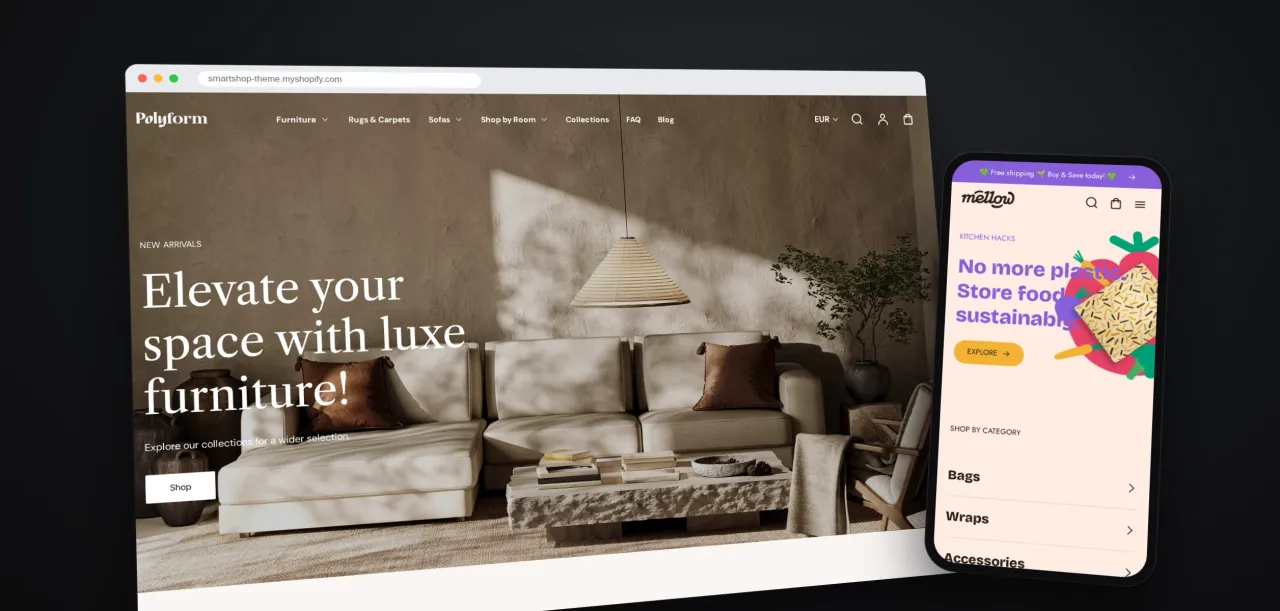
For merchants on Shopify, we at SmartBase created our own theme, Polyform, which combines two design styles in one licence, the elegant premium Polyform and the more playful, informal Mellow. The theme suits e-shops selling furniture, jewellery, food, toys and other goods. It offers everything needed to sell in Europe, from language versions and country or currency selection to age verification or the option to request an individual quote. Thanks to clear filters and a mega menu, customers find products faster, pick their variants right in the listing and, on sale items, immediately see the discount and a countdown to its end.
A professional Shopify store for selling in Europe without an in-house developer
A professional Shopify store without an in-house developer. That was the idea with which we at SmartBase started developing the Polyform theme. We wanted to offer merchants a ready-made solution they can adapt themselves and that takes the specifics of selling on the European market into account.
We wanted to create a theme that suits a furniture merchant as well as a toy shop or sellers of jewellery and food. And since many merchants also sell across borders, support for several languages, countries and currencies was an important part of it.
We also thought about products that are not sold in the usual way. For alcohol or tobacco, the merchant has to verify the customer’s age. For products with an individual price, the merchant needs to let the customer send an enquiry instead of using the usual shopping cart.
Our goal was to combine all these options in one Shopify theme that merchants can easily set up themselves in the editor without a developer. At the same time, it had to meet Shopify’s strict technical and quality requirements to be listed in the official Shopify Theme Store.
Theme scope
The systems the theme works with
Shopify
The merchant’s e-commerce platform
→ Polyform theme
- Collections and products with variants
- Countries and currencies
- Shops with local pickup
← Shopify
- Cart with the customer’s note
Polyform theme
Polyform and Mellow designs
What challenges Shopify stores solve with the Polyform theme by SmartBase
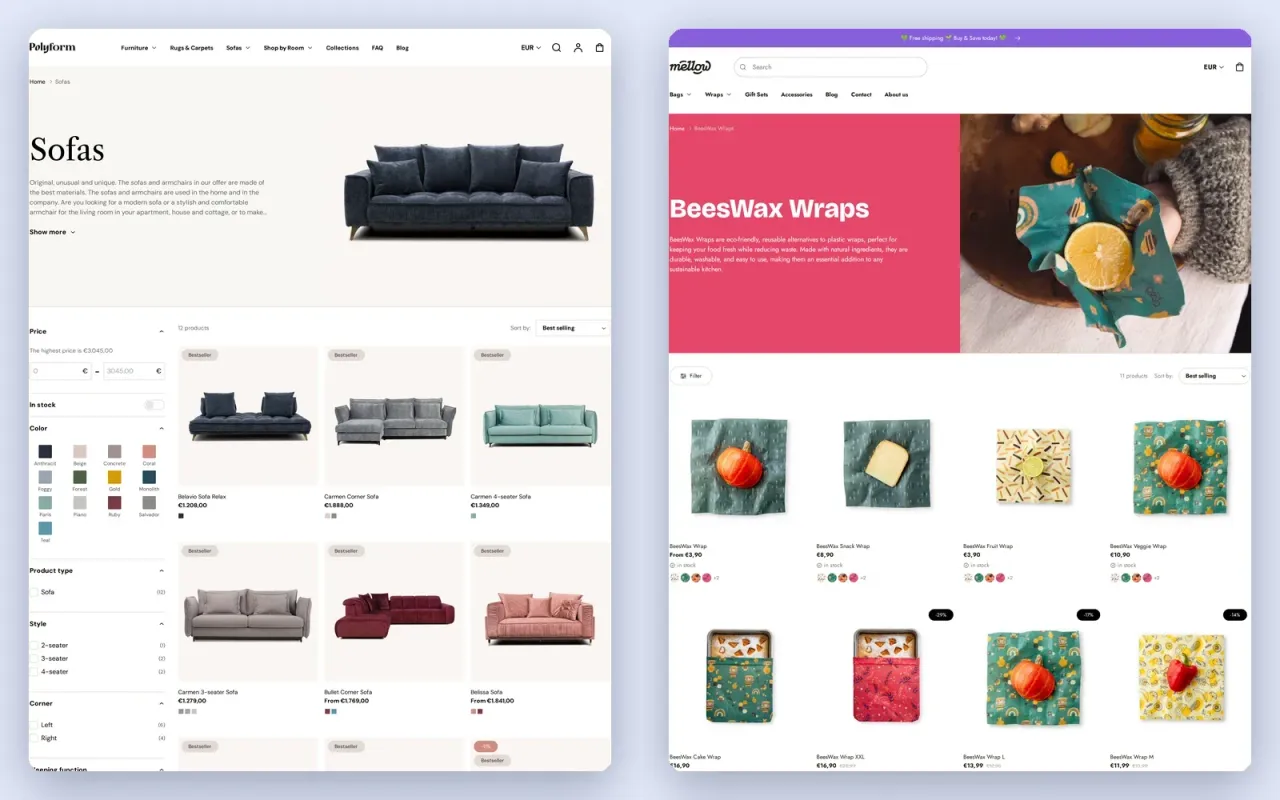
Merchants choose a premium or a more casual design within the same theme
Challenge
A designer furniture store needs a different character from a store selling food or toys, even though it sells using the same features. That character comes from the typeface, colours, button shapes and page layout.
Solution
- In the demo store, Polyform has serif headings, as in the Sofas collection in the screenshot, square black buttons and calm, light backgrounds, and it suits premium brands, for example those selling furniture, kitchenware, handmade goods or jewellery.
- Mellow, with rounded buttons and colourful backgrounds, shown in the demo store’s BeesWax Wraps collection, suits more casual brands selling food, books, toys or children’s clothing.
- Merchants can switch the design in the theme editor at any time, even after the store has launched.
In the store, customers switch language, country and currency
Challenge
A merchant selling across Europe needs a store in the customer’s language with prices in their currency. The theme’s own texts, which the merchant does not write, also have to be translated, from the buttons to the cart.
Solution
- Polyform’s theme texts are translated into nine languages: English, French, Italian, German, Spanish, Slovak, Czech, Polish and Hungarian.
- Customers choose the store’s language as well as their country and currency, and once Slovak is selected in the demo store, the theme text below the price of the BeesWax Bag reads “Vrátane dane.” instead of “Tax included.”
- In the cart and at newsletter sign-up, the theme gives merchants space for the customer’s consents.
Customer opens the store
Does the customer confirm they are 18 or over?
Continues to the store
Does not enter the store, and the merchant can send them to another page
A store selling alcohol or tobacco asks customers their age first
Challenge
Anyone selling alcohol, tobacco or other age-restricted goods wants customers to confirm their age before they enter the store. If the theme could not do this, the merchant would have to install a separate app for it.
Solution
- Age verification is built into the theme, and merchants turn it on in the theme settings.
- A pop-up with a heading, text and buttons written by the merchant asks customers, for example, whether they are 18 or over, and the theme can send anyone who declines to a page the merchant chooses.
Product in a collection with a hidden price
“Request a Price” form in place of the price
For goods sold on request, customers ask for a price directly on the product
Challenge
Some merchants agree the price with each customer individually or want customers to get in touch before buying. For such goods, a fixed price and an add-to-cart button would promise a purchase that the merchant cannot complete without first reaching an agreement with the customer.
Solution
- Merchants hide the price in selected collections and show a “Request a Price” form on the product instead.
- The request from the form goes to the merchant, who agrees the price with the customer.
- If the merchant also has a physical shop, the product page shows customers whether they can collect it in person and when it is usually ready.
Customers pick a sofa variant straight from the product list
Challenge
In a store with many collections and variants, customers can easily get lost and shopping takes a long time. Opening the page of every sofa just to see the price of its two-seater and four-seater versions slows them down.
Solution
- The mega menu shows a collection’s categories, selected products or promotional tiles.
- Filters and sorting narrow a collection down, for example by a colour the customer picks from the swatches.
- Quick view opens a window from the product card in which the customer switches the Belissa Sofa from a two-seater to a four-seater and immediately sees its price without leaving the list.
- Customers order several variants at once from a quick order list right on the product page.
Customers see the discount and the time left until the end of the sale at a glance
Challenge
A merchant who runs promotions needs customers to notice them in time and add more items to what is already in the cart. A discount that customers only see once they open the product is easy to miss.
Solution
- Merchants can place a countdown to the end of a sale in a section on the page as well as in the announcement bar, and a promotional pop-up also draws attention to the sale.
- Badges on product cards show the discount as a percentage or a custom label, in the demo store for example −16% and Bestseller on the Belavio 3-seater Sofa, right in the mega menu.
- In the cart, customers see a free shipping indicator and can add gift wrapping.
- Cross-sale and recently viewed products offer customers more items to go with the one they are choosing.
Merchants get a theme that has passed Shopify’s review
Getting your own theme into the official Shopify Theme Store is not a given. Shopify thoroughly reviews its design, functionality, speed and accessibility. A theme has to bring something different from existing solutions and reach the required Lighthouse results on mobile devices and computers. Polyform passed these requirements and has been available in the Shopify Theme Store since its launch. It has received four positive reviews, in which merchants especially appreciate its design and the quick customer support, including help with code changes. Development did not end with the launch. In September 2024 we added a second design style, Mellow, and in February 2025 age verification for customers. We keep extending Polyform with new options based on what merchants need. Our advantage is that with Shopify we do not stop at design. At SmartBase we help merchants set up their store, develop features and connect it to ERP, warehouse and invoicing systems. For companies with more complex requirements, we also have our own SmartBase E-commerce platform. Merchants thus get not only a professional Shopify theme but also a technology partner who can help them develop their online sales further.
- Platform
- ShopifyShopify Theme Store
- Theme translations
- EnglishFrenchItalianGermanSpanishSlovakCzechPolishHungarian
Questions about the Shopify theme
A Shopify merchant can choose Polyform, a theme by SmartBase from Slovakia with 30 ready-made sections, in the Shopify Theme Store and assemble the store from these sections in the theme editor. They set up colours, fonts, buttons and filters without code and choose the design to suit their brand.
Choosing a theme for your Shopify store?
More case studies
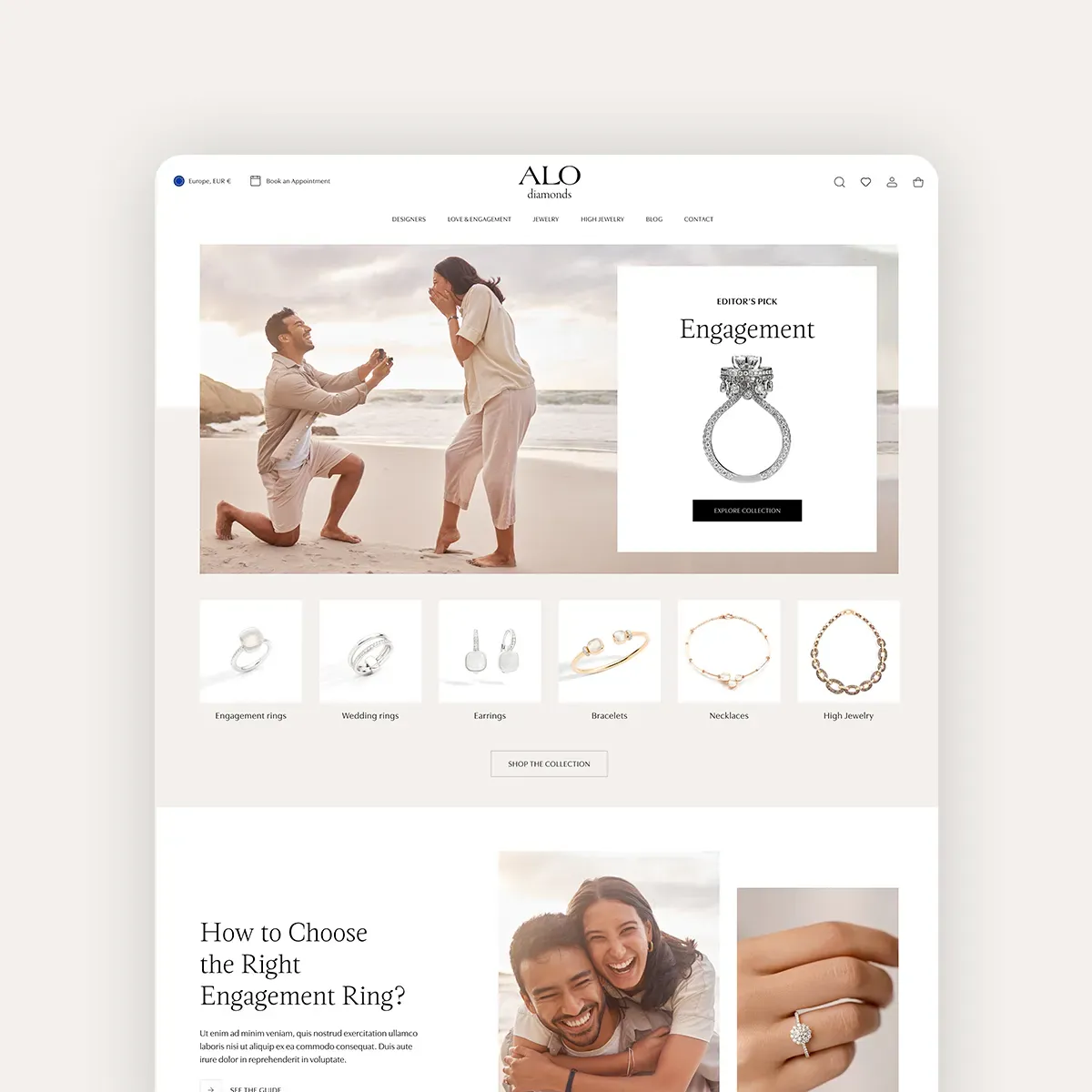 ALO diamonds — 3x e-shops for the ALO, ALOve and HALADA brands with an emphasis on customer experienceCore Development, E-commerce, UI Design, Webdesign
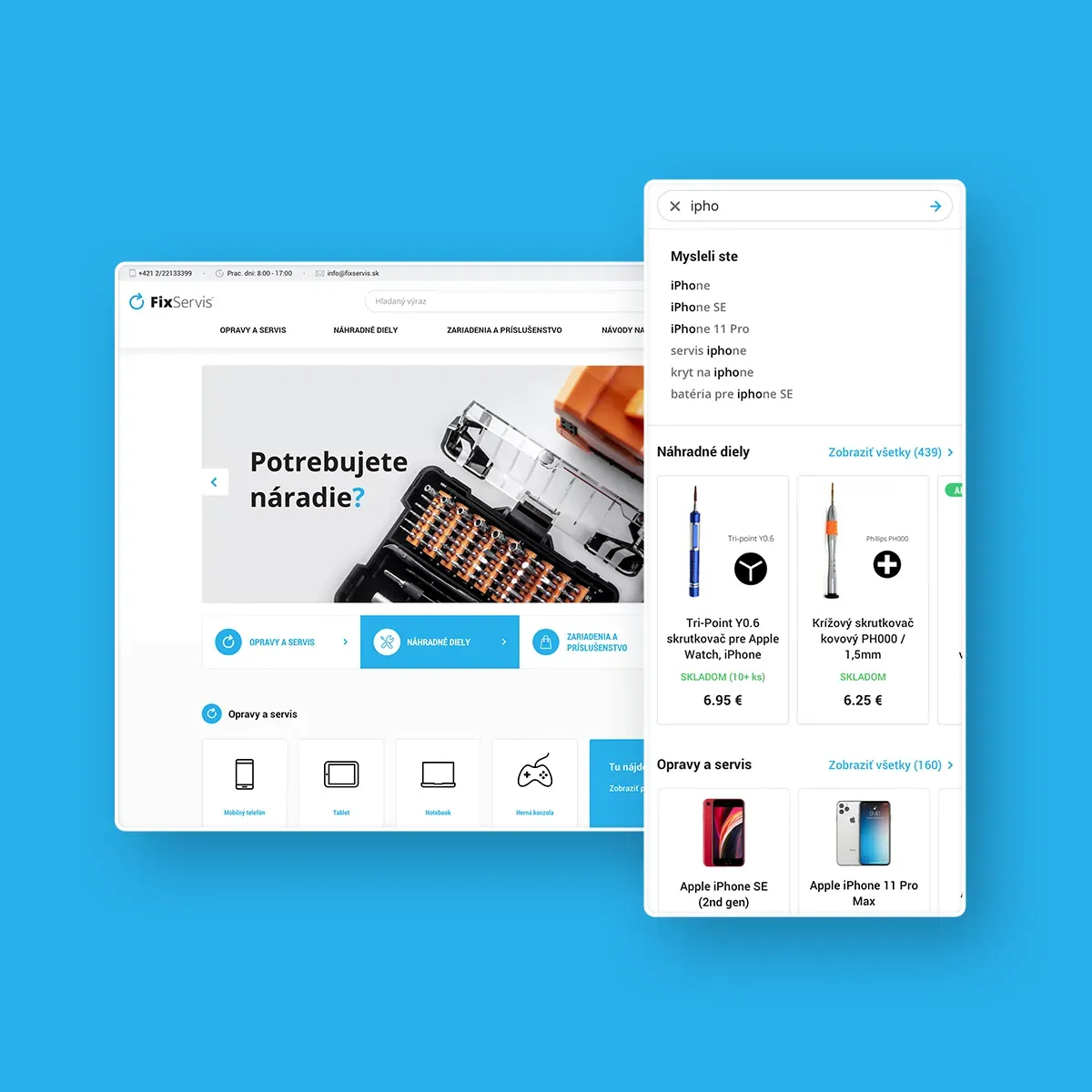 FixShop27countries of operation and ranking in the TOP e-shops of Central Europe
Core Development, E-commerce, UI Design, Webdesign
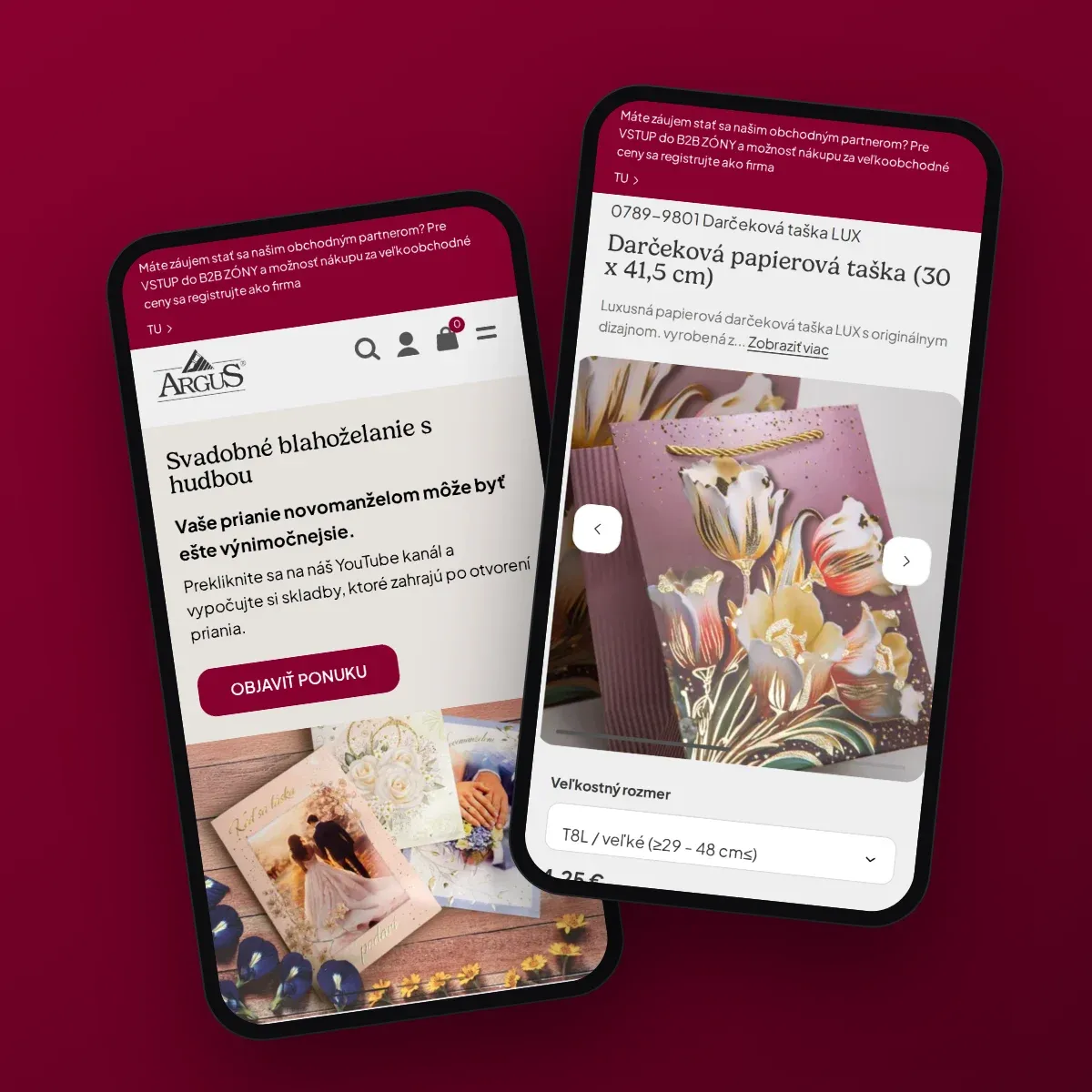 ArgusB2C, B2B and sales repsAn e-shop for Argus end customers and partners and iObchodník for its sales reps, both on SAP Business One
Core Development, E-commerce
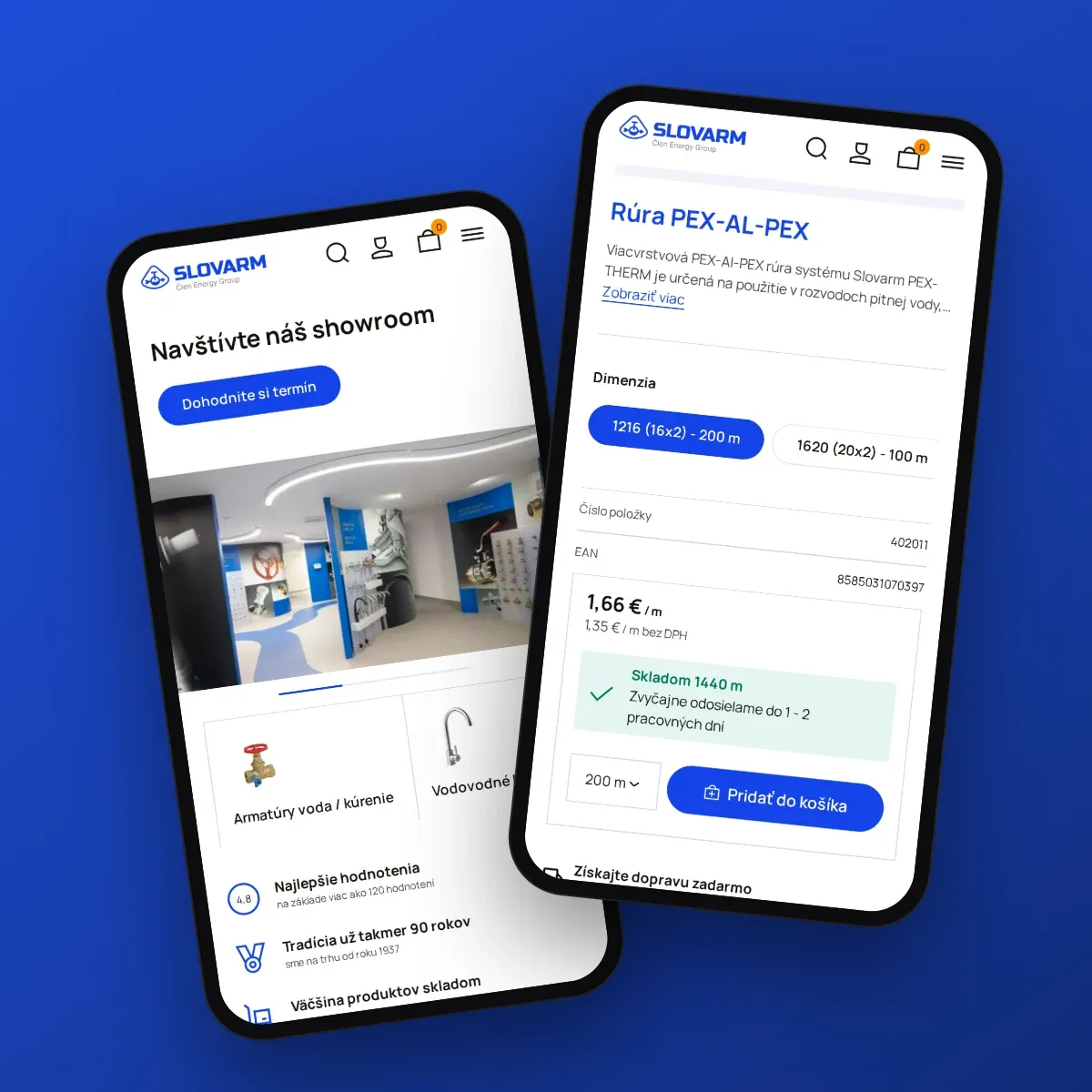 SlovarmB2B and D2CSlovarm’s online store sells to businesses and consumers with prices and availability from SAP S/4HANA
Core Development, E-commerce, Integration
 Najlekáreň.euCore Development, E-commerce